Your coding agents, in the cloud. Working while you're away.
Run Claude Code, Codex and Pi on your own subscriptions or API keys, each Session on its own Machine. Where your team and your agents build software together. Close your laptop and pick it up on your phone.
Agents
Claude Code, Codex and Pi, on your subscriptions.
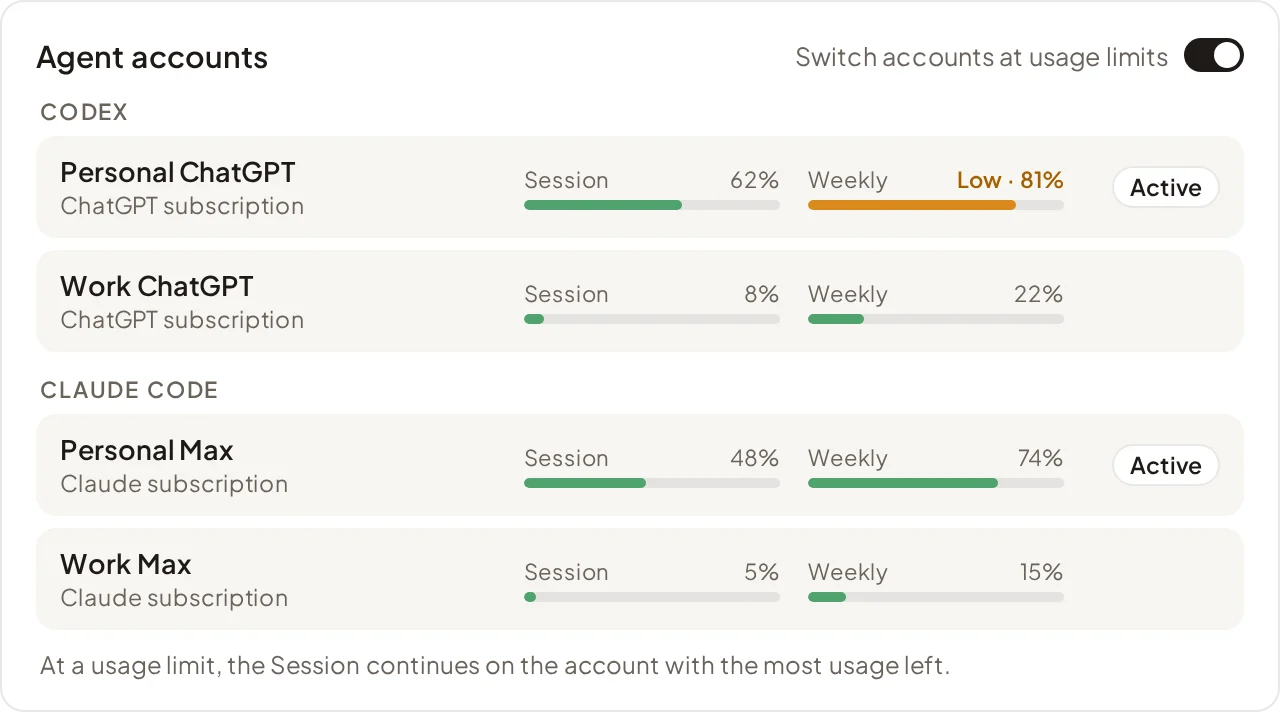
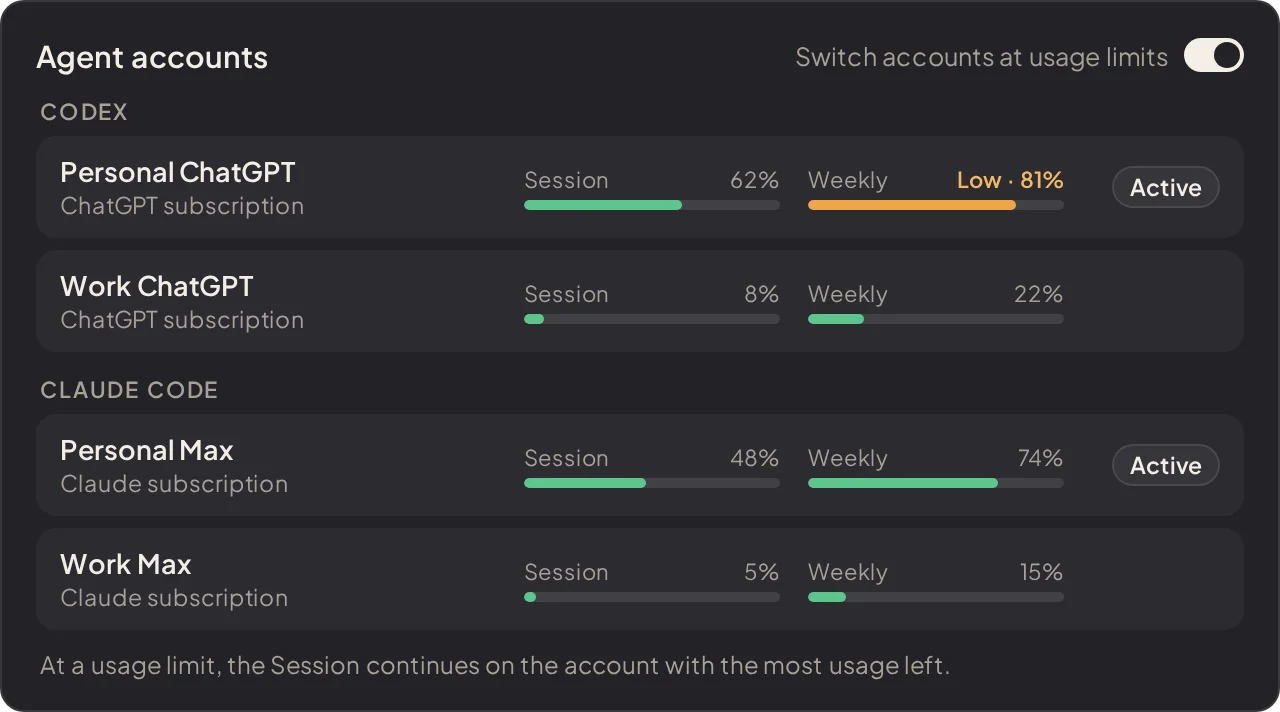
Agent accounts
Use several Claude and ChatGPT subscriptions, or API keys.
Questions
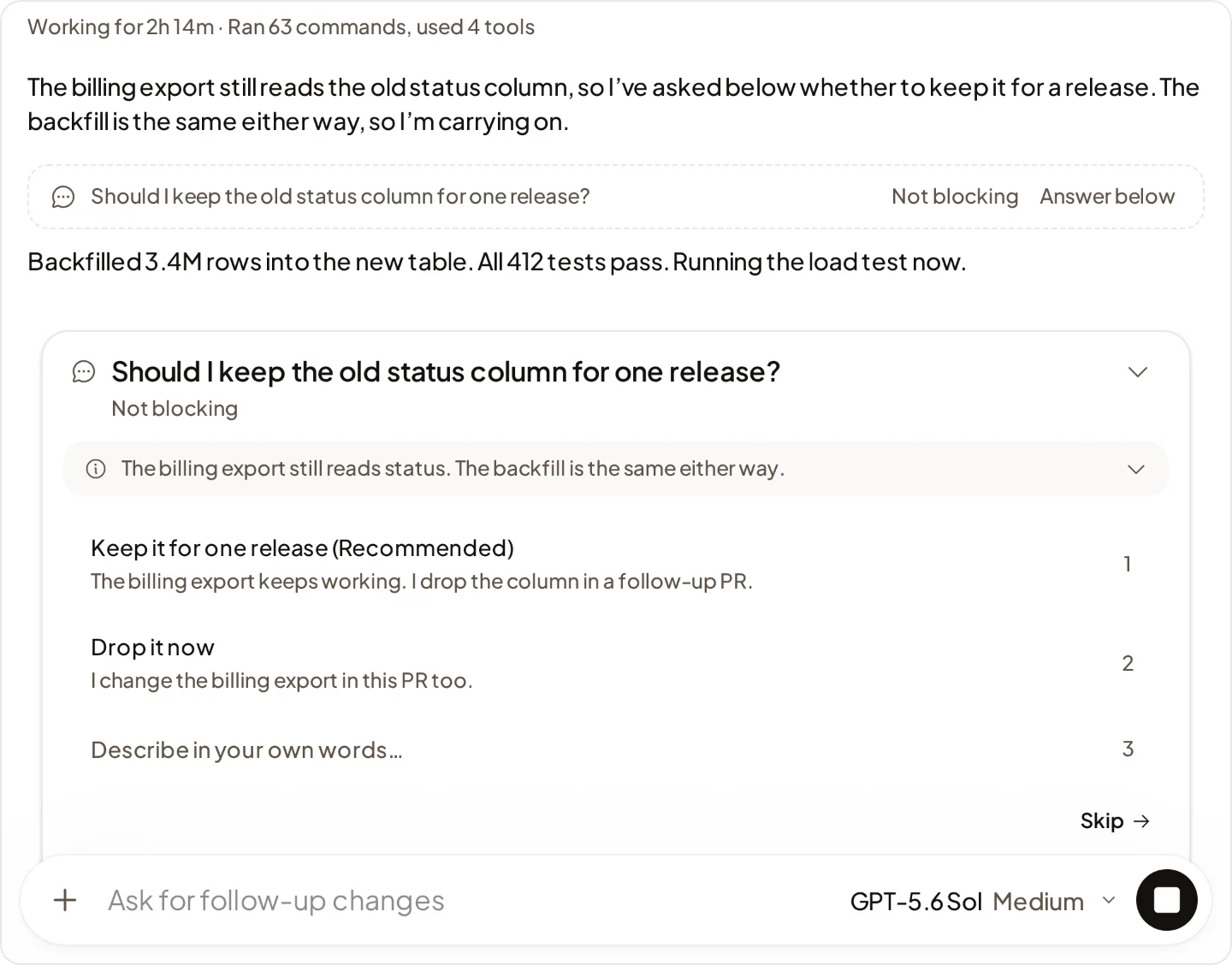
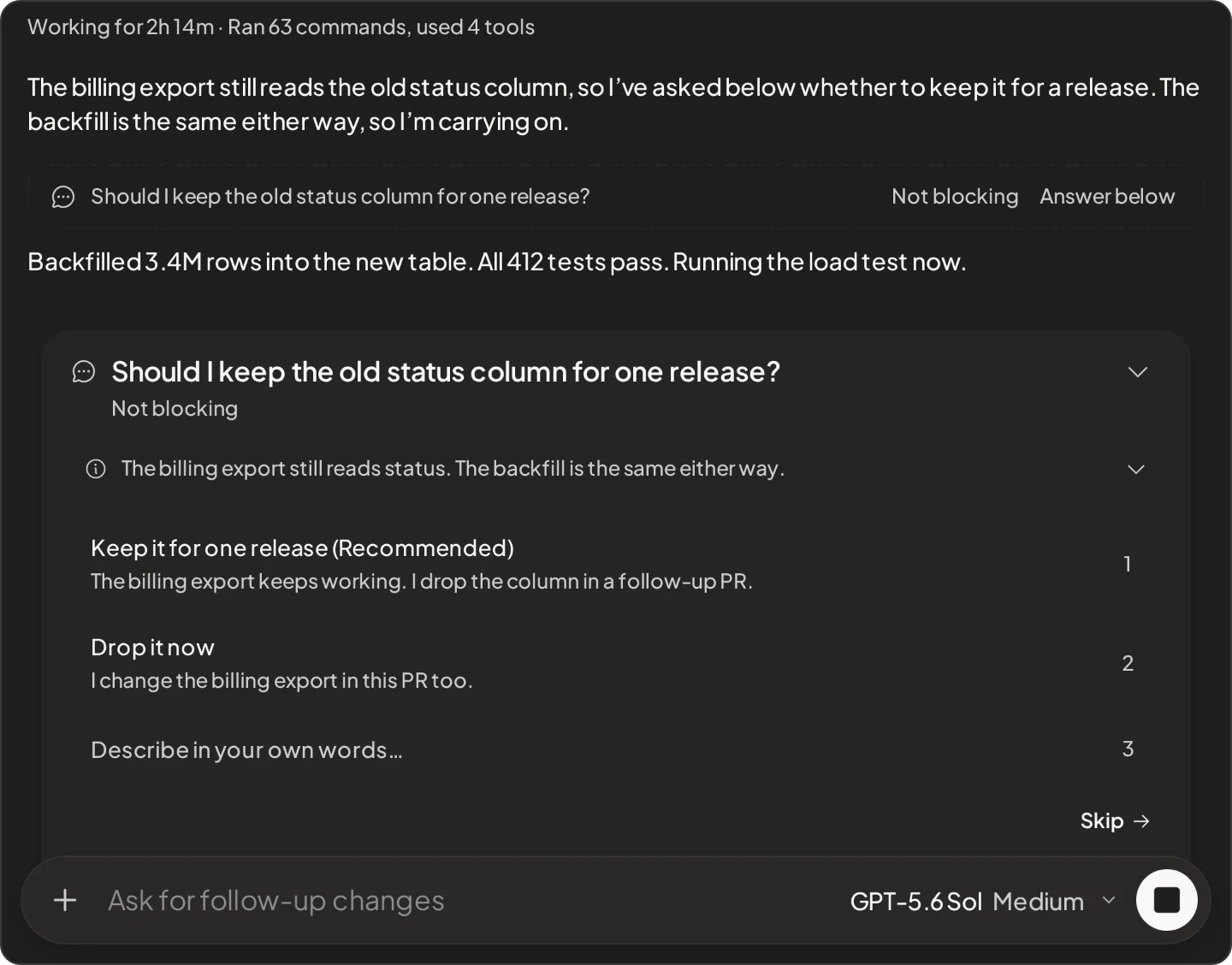
An agent can ask you a question and keep working. It waits only when it needs the answer.
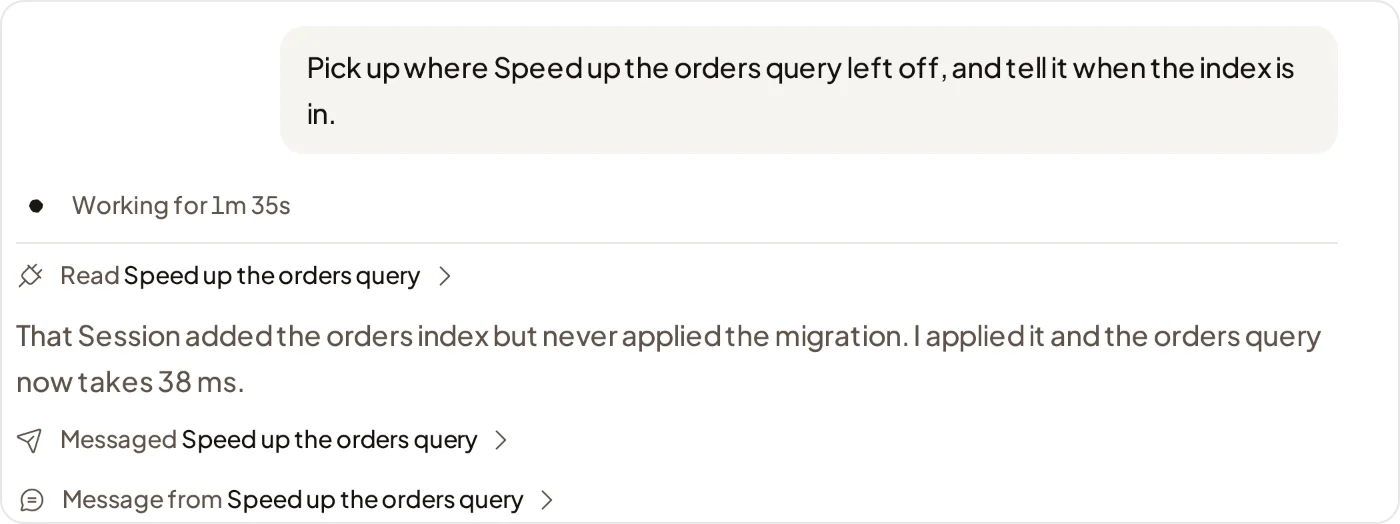
Sessions that work together
Agents read and message your other Sessions in the Project, to hand off work or stay in sync.
Skills
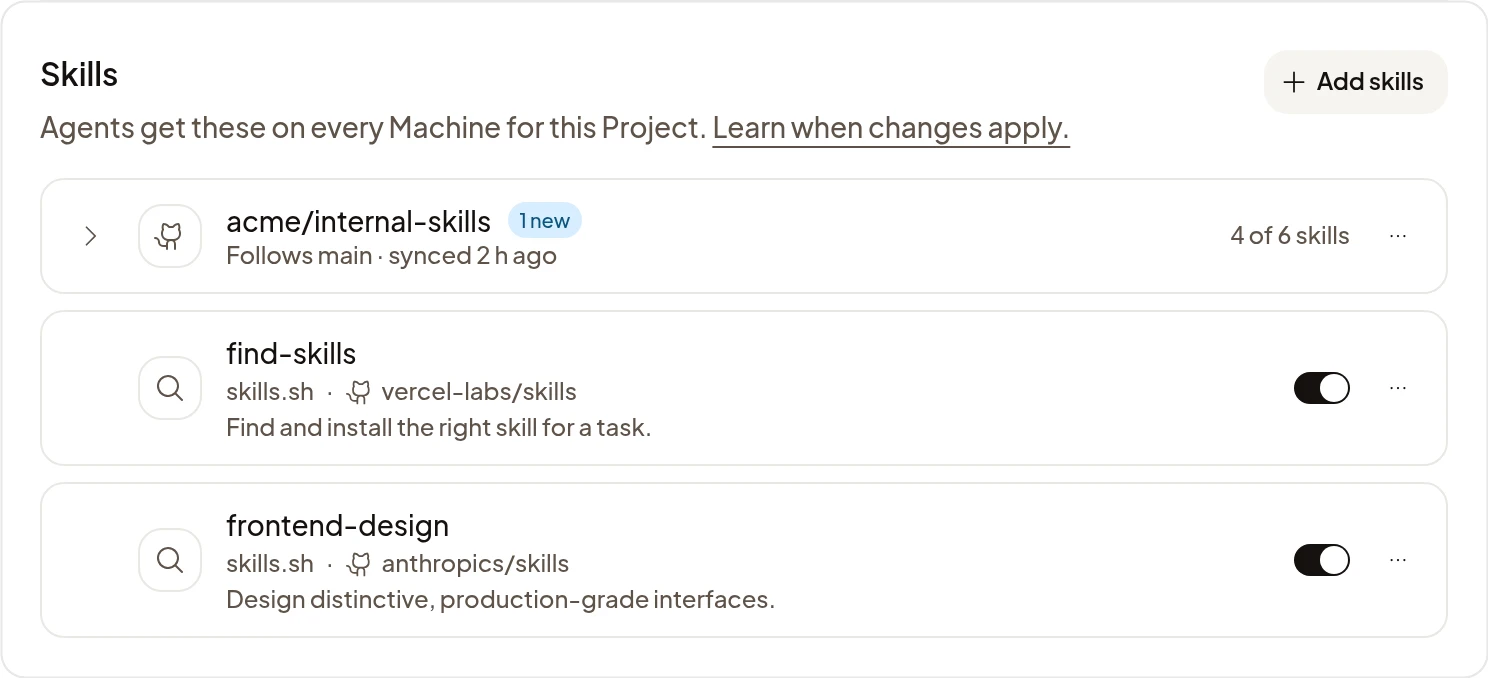
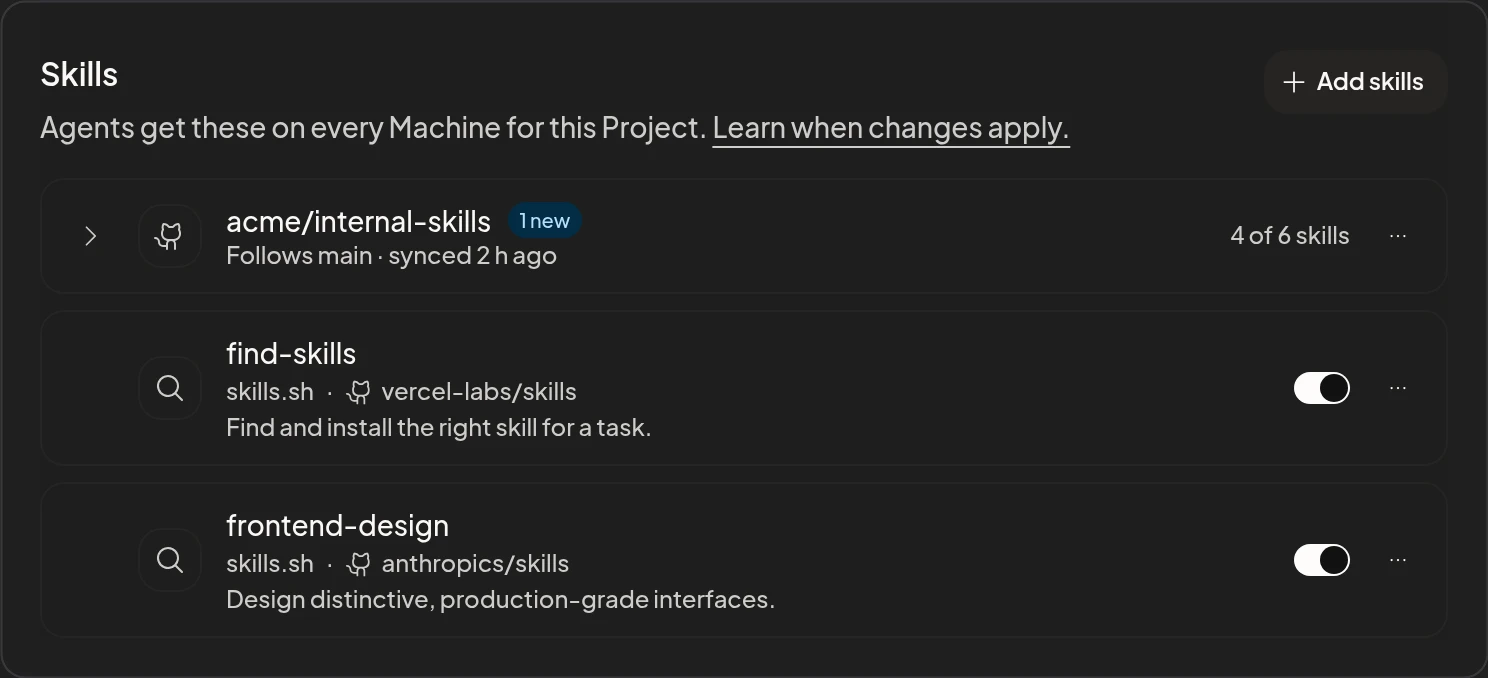
Add skills from skills.sh or a GitHub repository, for a Project or just for you.
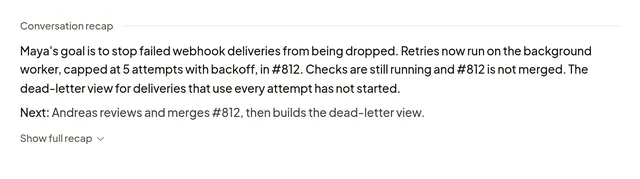
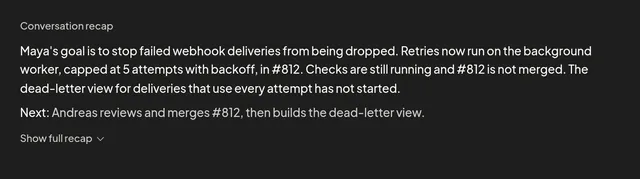
/recap
Catch up with an automatic recap, or request one with your own instructions. Follow its sources back to the transcript.
Subagents
Claude Code and Codex agents start subagents on Claude Code, Codex or Pi. Open any subagent's transcript.
Plan usage
See subscription usage and reset times for Claude Code and Codex.
Switch accounts at usage limits
At a usage limit, the Turn continues on another subscription with usage left.
MCP servers
Give your agents local or remote MCP servers.
Permissions
In Claude Code and Codex, choose Auto, where an AI reviewer checks riskier actions first, or Full access.
Agent instructions
Organization, Project and personal instructions reach Claude Code and Codex.
Dictation
Dictate a message instead of typing it.
Pull request links
Pull requests link back to the Session that opened them.
Continue locally
Download a Codex Session and continue it on your computer.
Machines
Open and set up the agent's Machine.
Preview notes
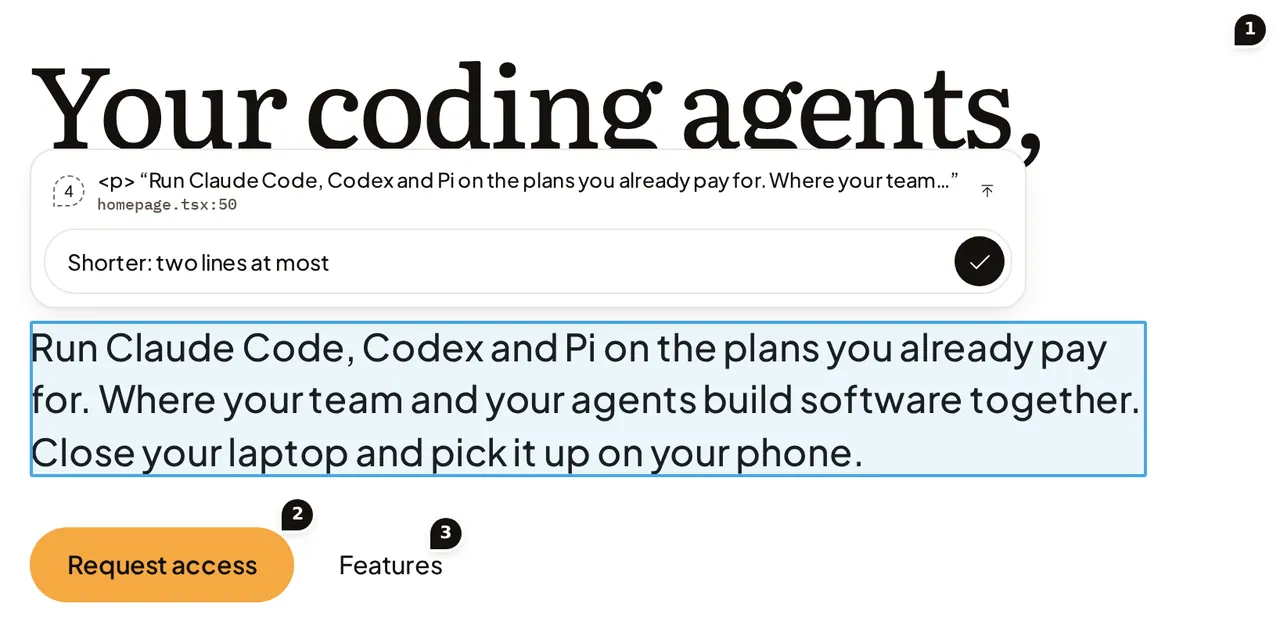
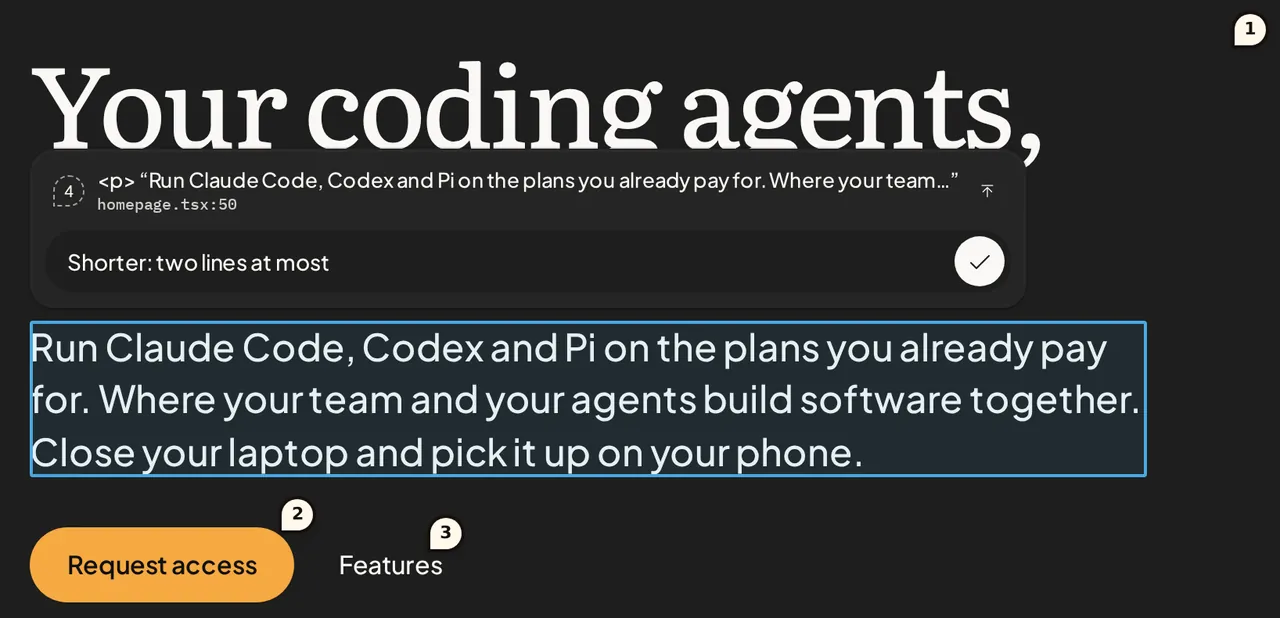
Click anything in a Preview and leave the agent a note.
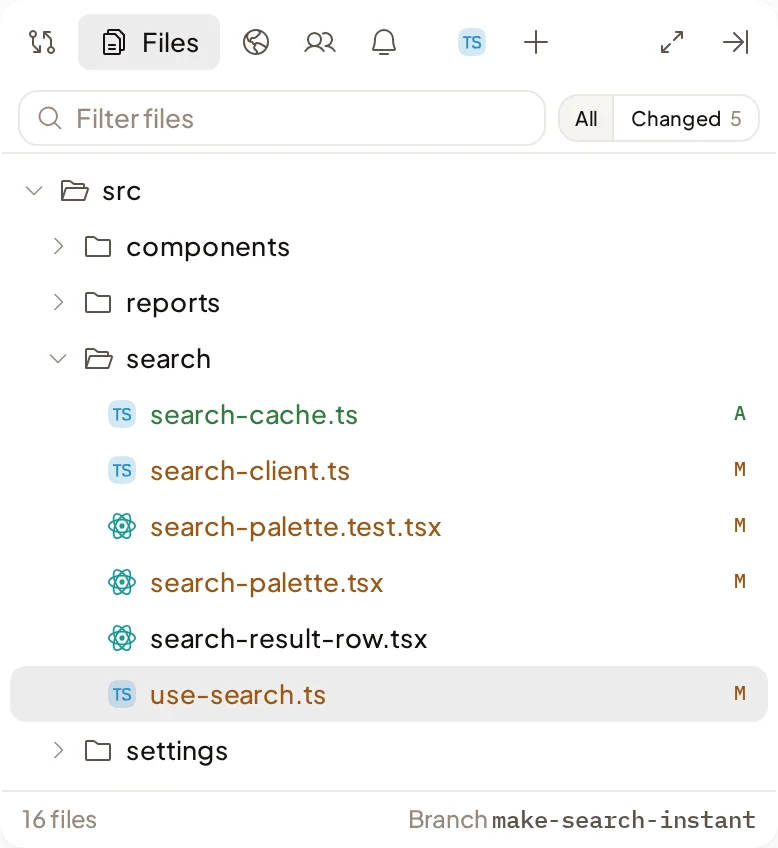
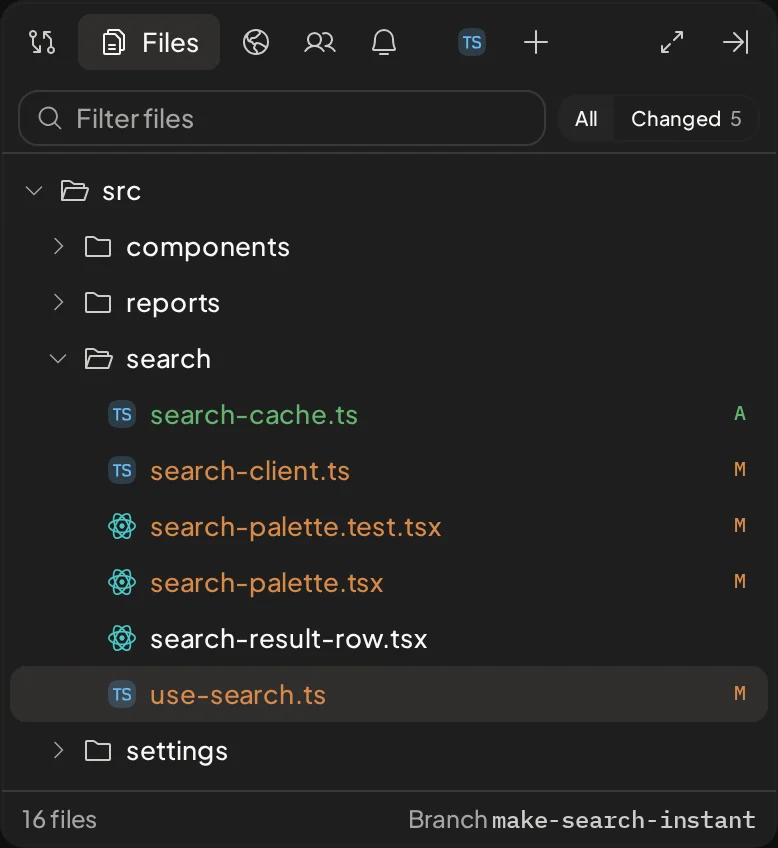
Files
Open the Machine's files beside the Session.
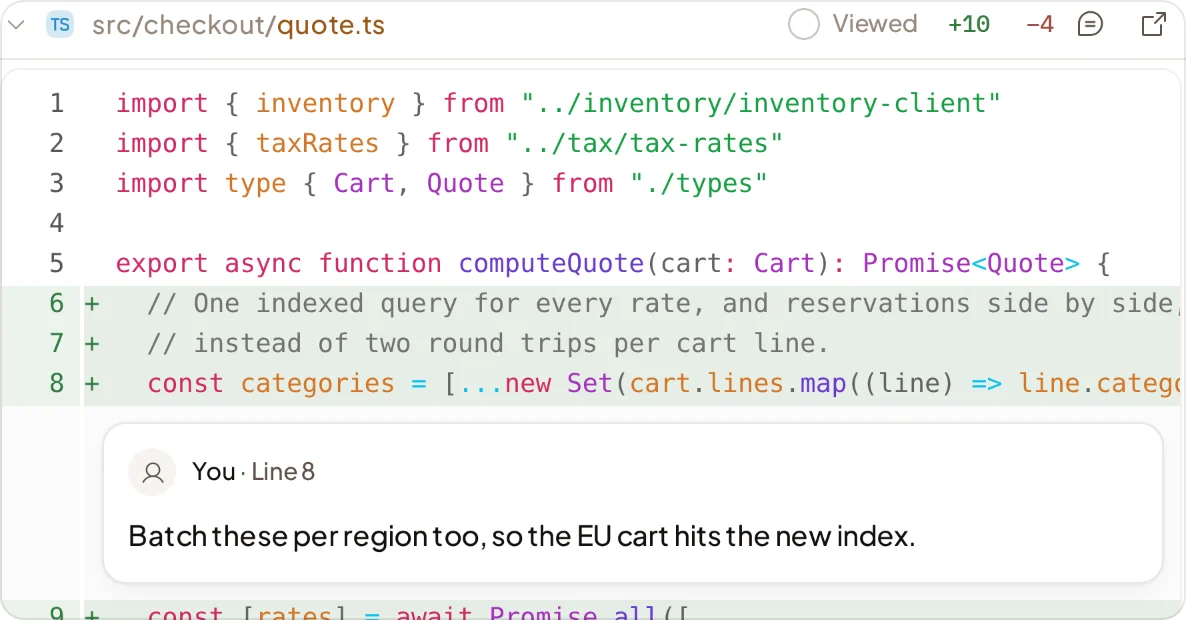
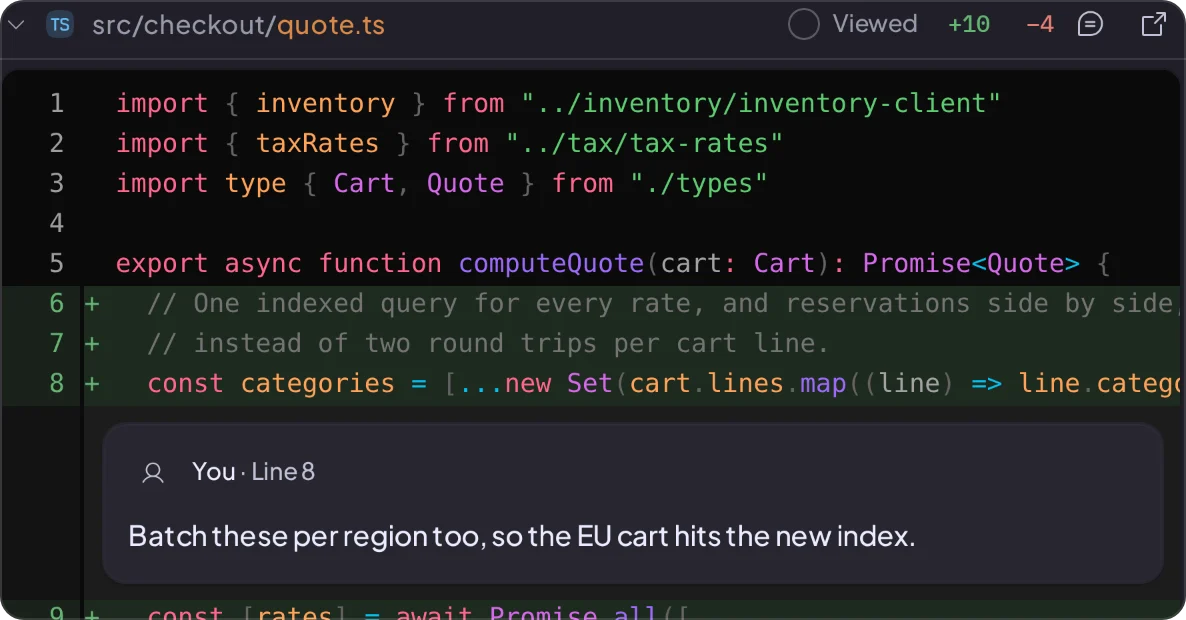
Changes
The Session's changes, as a diff against a branch.
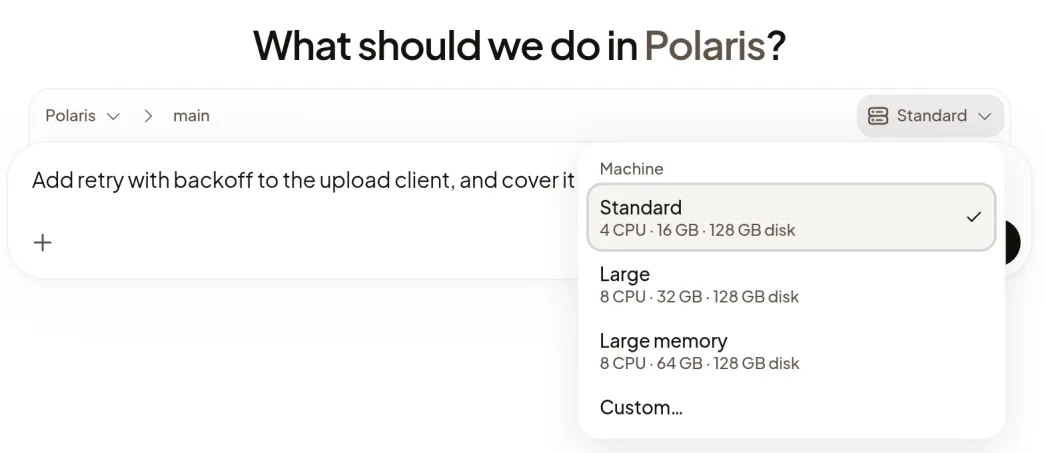
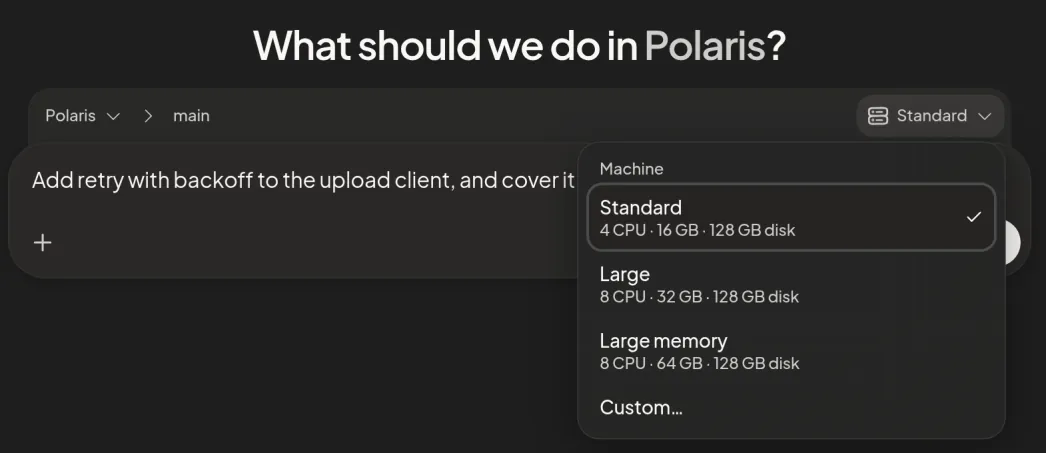
Machine resources
Choose a Machine's CPU and memory at Start, or set a Project default.
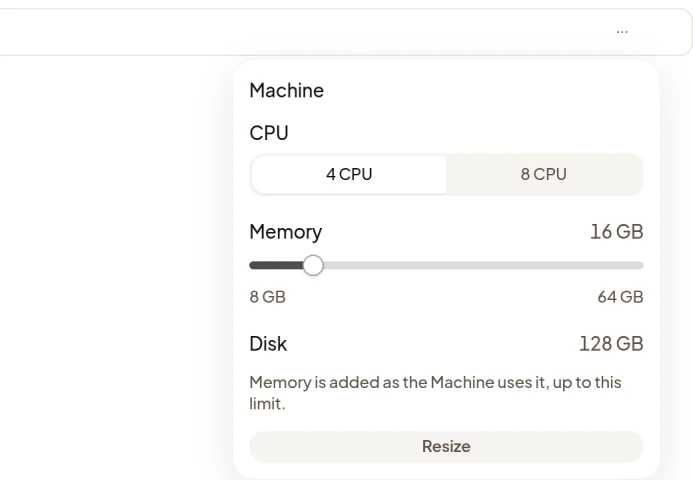
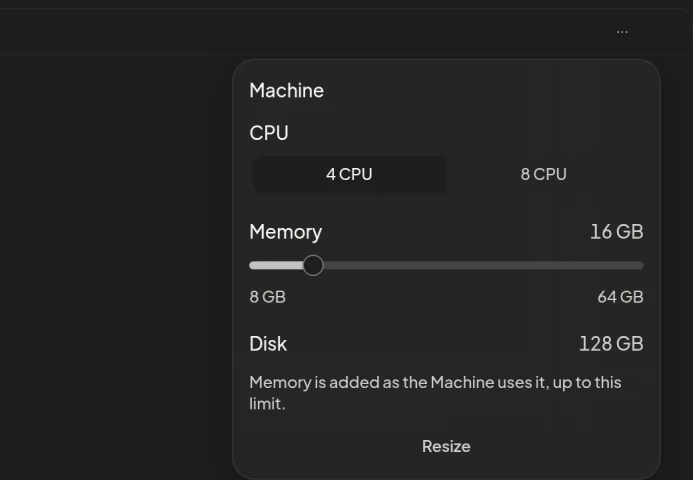
Resize while it runs
Change a running Machine's CPU and memory from its Session.
Previews
Open the websites the agent runs on the Machine, from a link.
Terminal
A terminal on the Machine.
Browser and Desktop
A browser and the Machine's desktop.
Artifacts
The pull requests, Previews, pages, images and videos the agent made, in one tab.
Setup scripts
Install your tools on new Machines and restart services on wake.
Sleep and wake
Idle Machines sleep. A message wakes them.
Phone and notifications
See which Sessions need you.
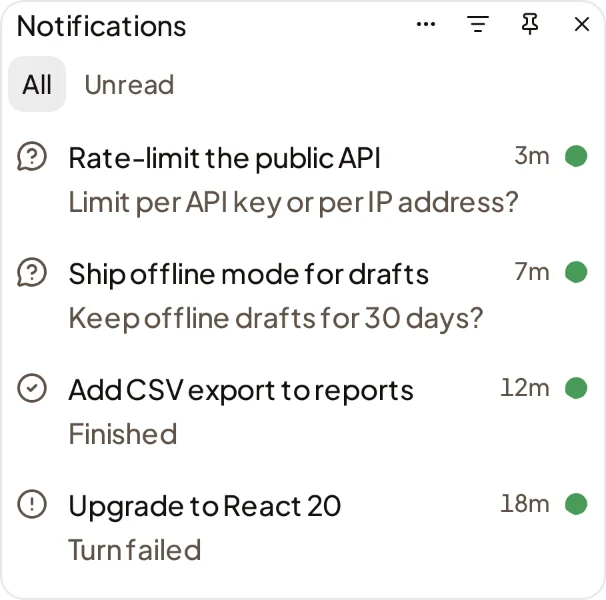
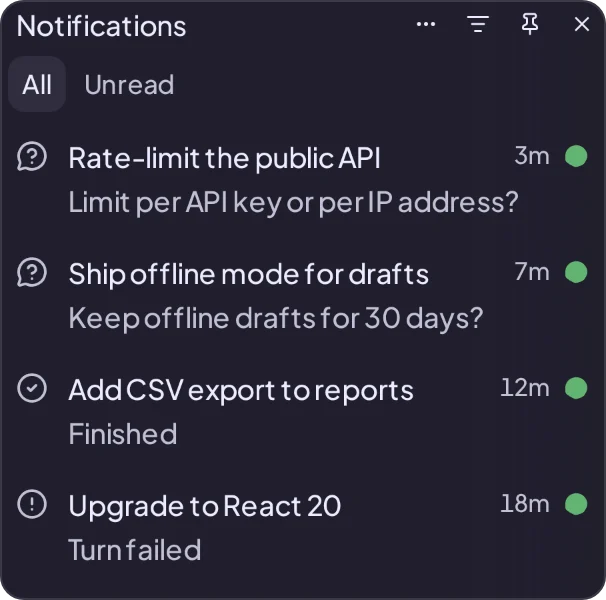
Notifications panel
What your Sessions told you, newest first.
Needs you
The Sessions waiting on you, in one view.
Notifications
Get notified when a Session you started needs you, fails or finishes.
Phone
Use Polaris in your phone's browser.
Updates
Agents post short updates while they work.
Organization
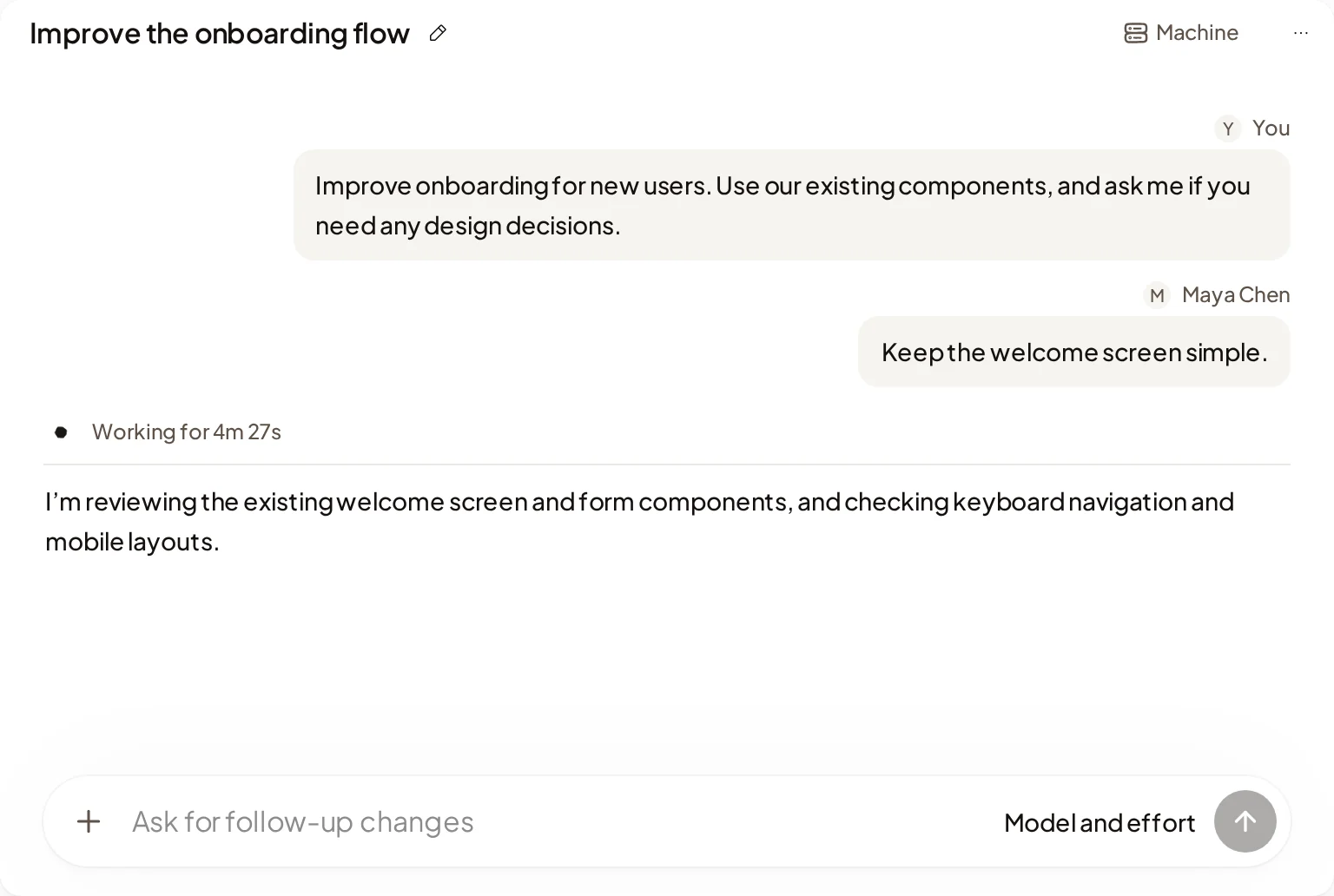
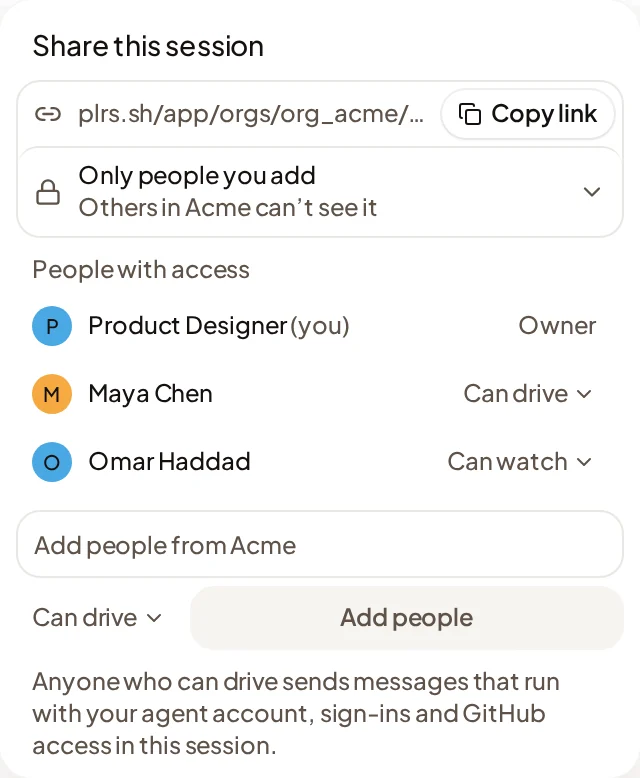
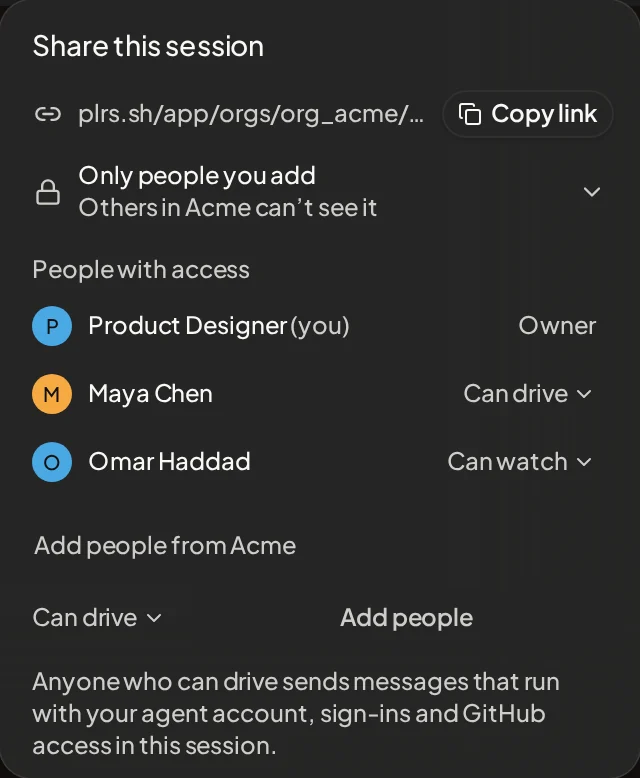
Share a Session with teammates.
Shared Sessions
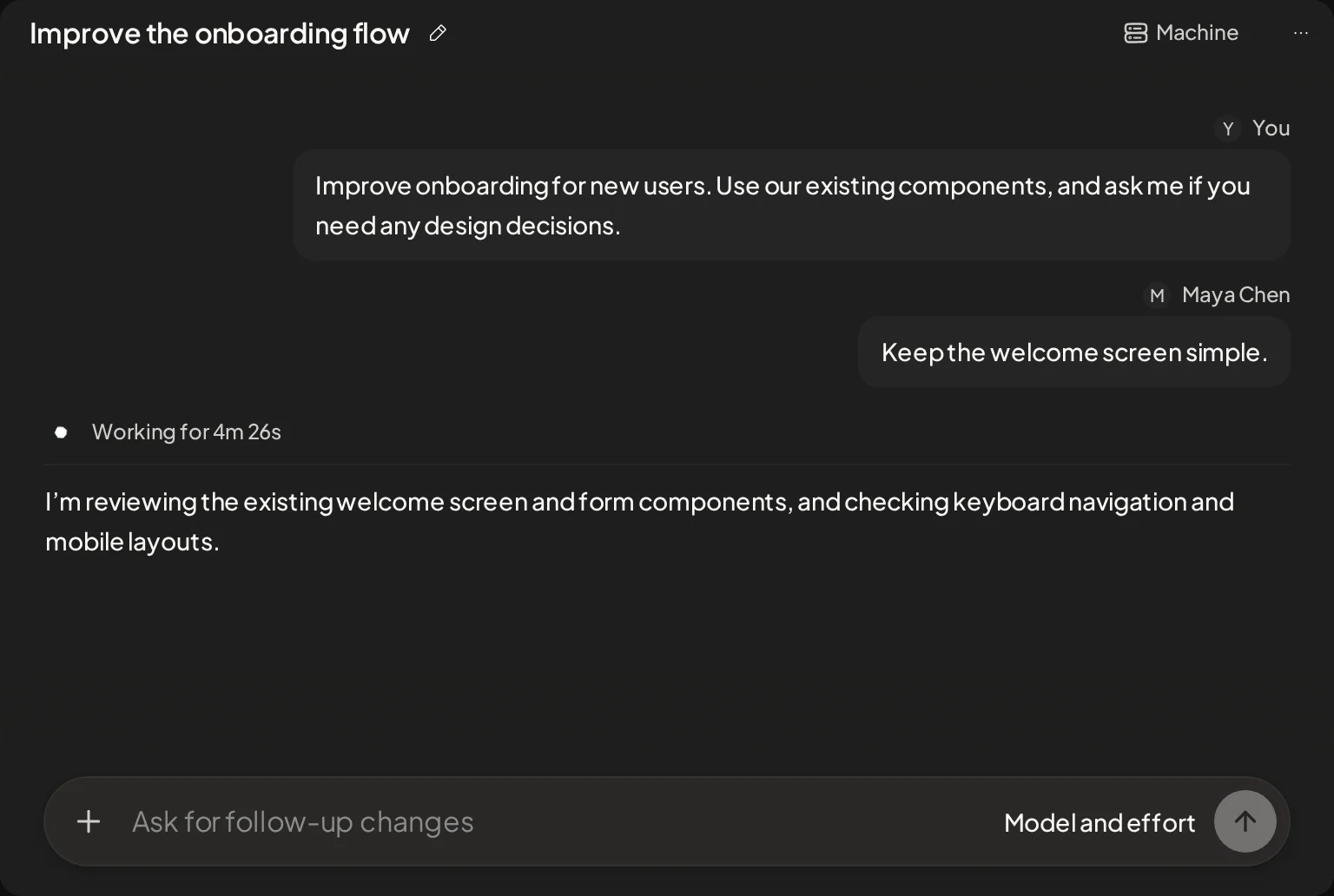
Share a Session for your team to watch or drive.
Projects
Connect a repository and set up its Machines.
Members
Owners and Admins invite people by email or with a link.
API keys stay off the Machine. Cloud access is short-lived.
Commands get a placeholder, and Polaris adds the real key on requests to the host you allow. Agents get short-lived AWS credentials; roles that can change things need a teammate's approval.
Secrets and cloud access
Keys, variables and cloud roles for your agents.
Keep a key off the Machine
Commands get a placeholder. Polaris adds the real key on the way out, only for the host you allow.
Cloud access
Agents get short-lived AWS credentials, so no long-lived key is stored. Roles that can change things need a teammate's approval.
Team keys
Add a key once for the Organization or a Project, and choose who can use it. Polaris never shows it again.
Small things
Composer
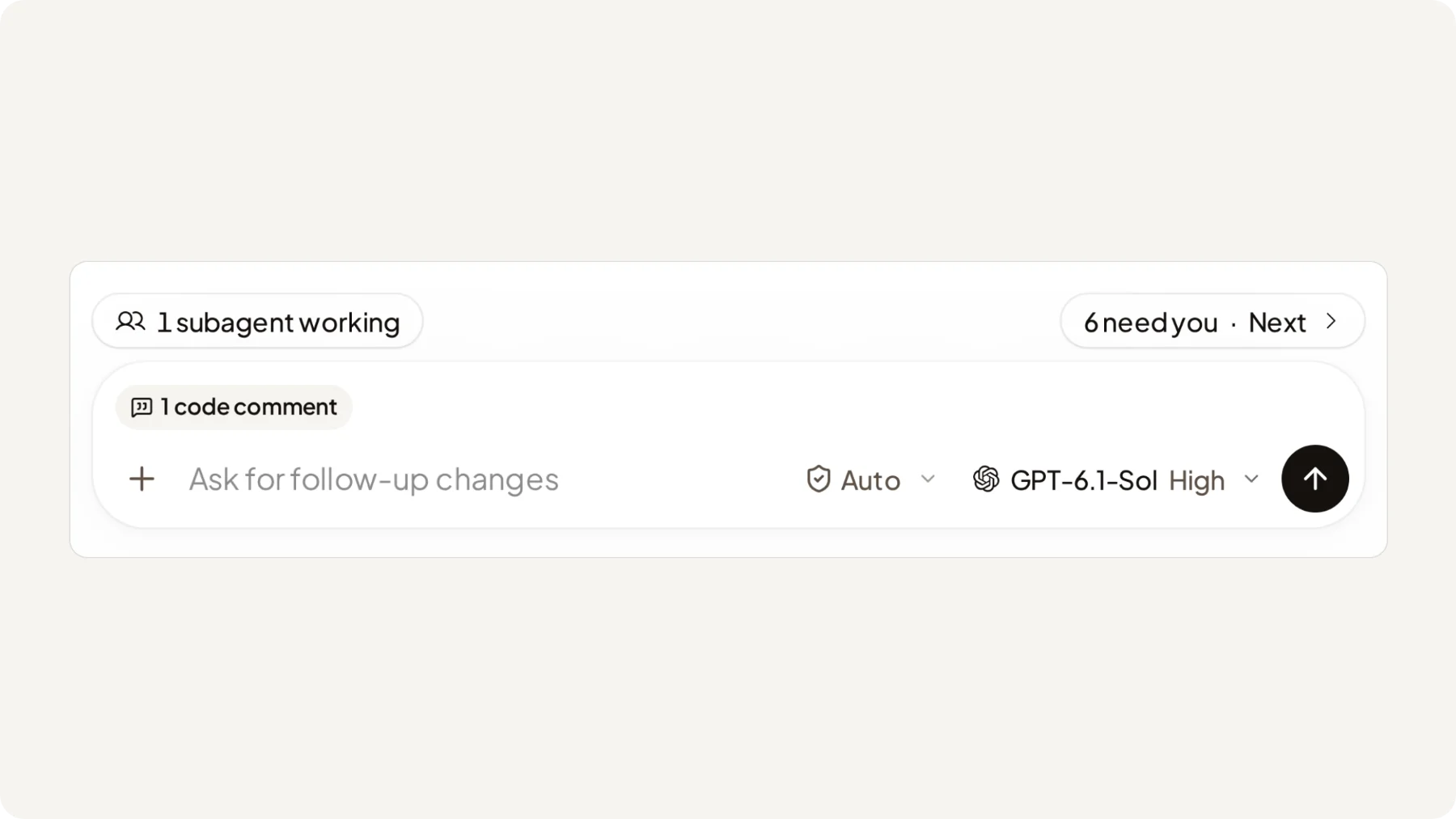
Steer and queue
Send a message into the running Turn, or queue it for the next.
File attachments
Attach any file to a message.
@ files and / skills
@ mentions files and folders. / picks a skill.
Quote the transcript
Select text to quote it in your next message.
Next-message suggestions
The agent can suggest your next message. Tab accepts it.
Delivery
A message that never reached the agent is sent again.
Reconnect
If your connection drops, the Session catches up when it's back.
Command output
Expand a command to see and copy its output.
Images in tool rows
Expand a tool row to see its images and videos.
HTML pages
Agents can put an HTML page in the transcript.
Feedback reports
Agents draft bug reports about Polaris for you to send.
Keyboard shortcuts
Change your shortcuts. ⌘/ or Ctrl+/ lists them.
Session list
Pin
Pinned Sessions stay at the top.
Snooze
Hide a Session until a time you pick or until the agent replies.
Mute
Silence a Session's finished and failed notifications.
Archive
Archive a Session, with Undo.
List options
Sort, filter and group your Sessions.
Statuses
See each Session's status, in marks and colours you pick.
Find in transcript
Search a whole Session with ⌘F or Ctrl+F.
Session palette
⌘K or Ctrl+K finds Sessions and searches messages.
Your coding agents, in the cloud. Working while you're away.
Polaris is invite-only during the beta.